Your whole session, calculated
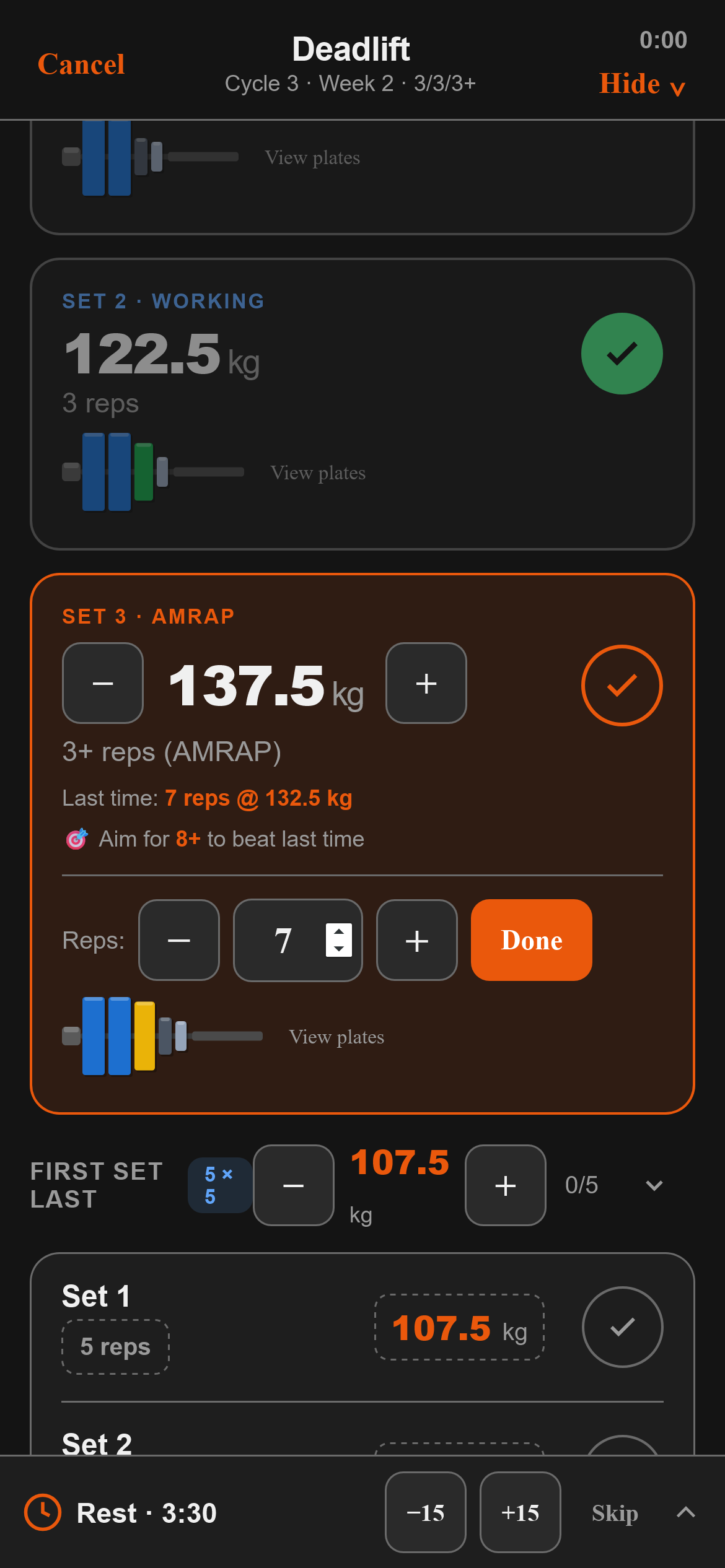
The strength app built around one method and built around it properly — correct training-max math, real templates, and coaching honest enough to tell you when to take weight off the bar.
Start training — free Runs in your browser today · App Store soon · No account neededTM at 90%, correct waves, a deload that actually deloads, and small increments forever — the method as written, not approximately.
BBB, FSL, SSL, BBS, Triumvirate, Main-only — switchable any cycle, per lift if you want. Not one hardcoded program.
AMRAP targets each session, automatic PR detection, and a cycle-end review that recommends increase, hold — or reset, with the numbers shown.
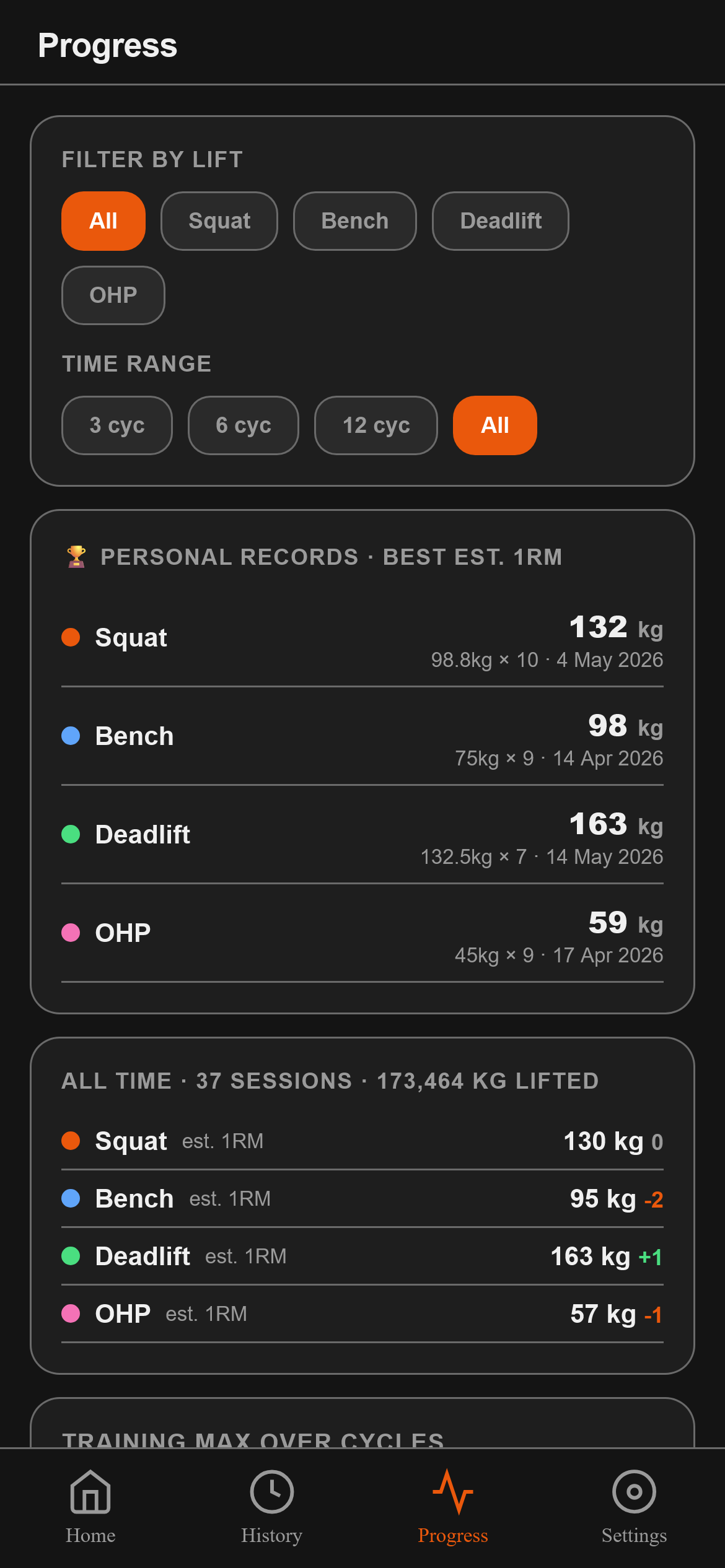
No account. No cloud. No tracking of your training data. Everything lives on your device, with one-tap backup whenever you want it. Privacy policy →
Yes — running 531 in Titan is free, forever: the full method, logging, history, PRs, plate math. A Pro tier with advanced templates and extras arrives with the App Store launch; the core will never be paywalled.
A decades-proven strength method built on four lifts, sub-maximal waves, and small permanent increases. Titan implements the method faithfully — we don't own it, we just run it properly.
No. Open the app and train. Your data stays on your device.
Yes — one-tap JSON export/import — and you can bring your history with you from Hevy or Strong (read entirely on your device).
Today: install from Safari (Share → Add to Home Screen) — it works fully offline. The native App Store version is in the works.